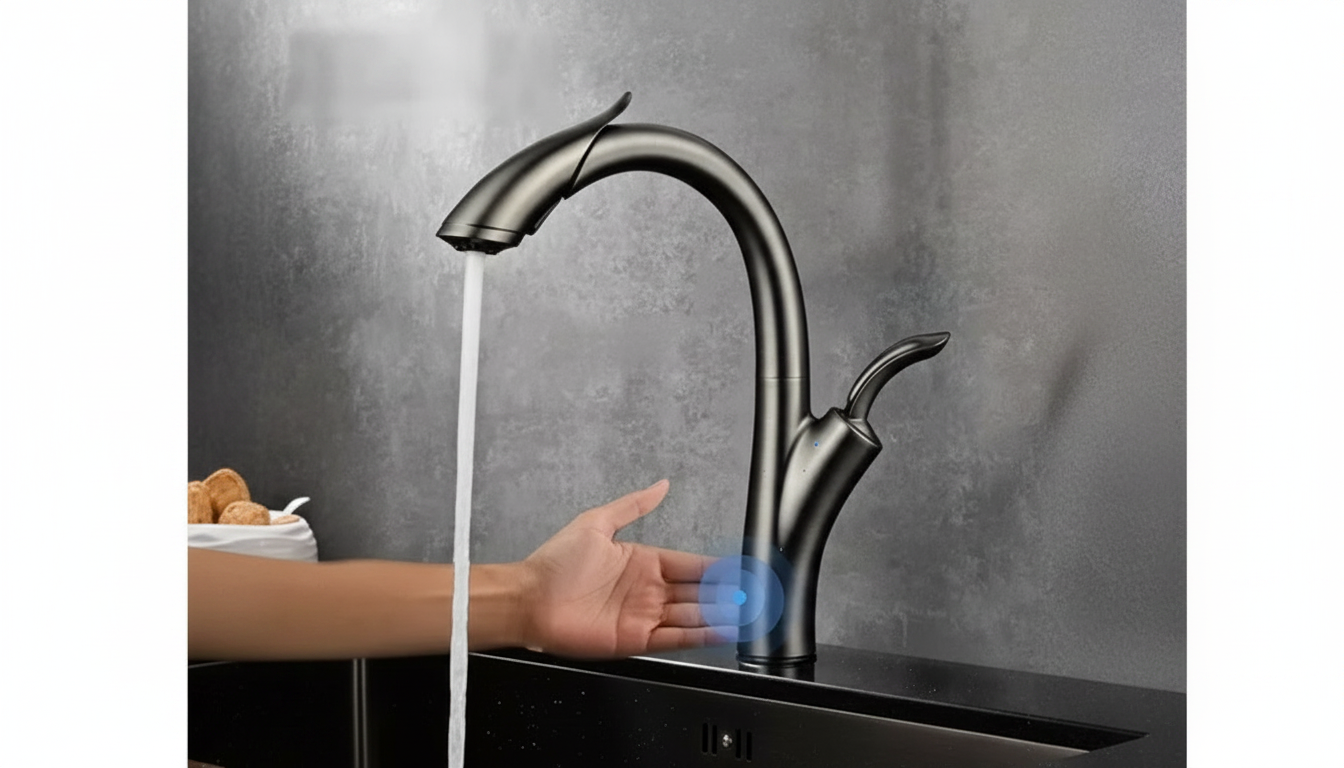
Installing a touch-activated pull-out kitchen faucet is similar to a standard faucet swap, with a few extra steps for the sensor wiring and control box. Before starting, shut off both hot and cold water valves under the sink and open the faucet to relieve pressure. Place a towel in the cabinet to catch drips.
Disconnect the supply lines from the shutoff valves, then loosen the mounting nuts holding the faucet to the sink (a basin wrench helps). Lift the old faucet out from above. Scrape away old putty or gasket residue and wipe the sink surface clean.
From above the sink, place the deck plate (if used) and gasket, then feed the pull-out hose, shank, and any sensor wires through the faucet hole. Seat the faucet so it sits flat and straight.
From inside the cabinet, install the mounting bracket and nuts per the manufacturer’s order. Tighten evenly until the faucet is snug and doesn’t shift, but avoid over-tightening that could crack a sink or distort the gasket.
Attach the hot and cold supply lines to the shutoff valves. Connect the pull-out hose to the faucet’s quick-connect fitting and confirm it clicks fully into place. Add the hose weight in the recommended position so the sprayer retracts smoothly.
Mount the control box on the cabinet wall where it stays dry and accessible. Plug in the solenoid/sensor leads, then connect power (battery pack or AC adapter). Route wires away from the trash can and moving plumbing parts.
Remove the aerator, turn the water back on, and flush for a minute to clear debris. Reinstall the aerator, check all connections for leaks, then test touch activation on the spout and handle. If needed, follow the faucet’s reset/calibration steps.
For more detailed tips, parts guidance, and troubleshooting, visit https://lumiro.store/how-do-you-install-a-touch-activated-pull-out-kitchen-faucet-on-a-standard-sink/.
Yes. Touch faucets use either batteries or an AC adapter to power the sensor/solenoid that turns water on and off.





Leave a comment