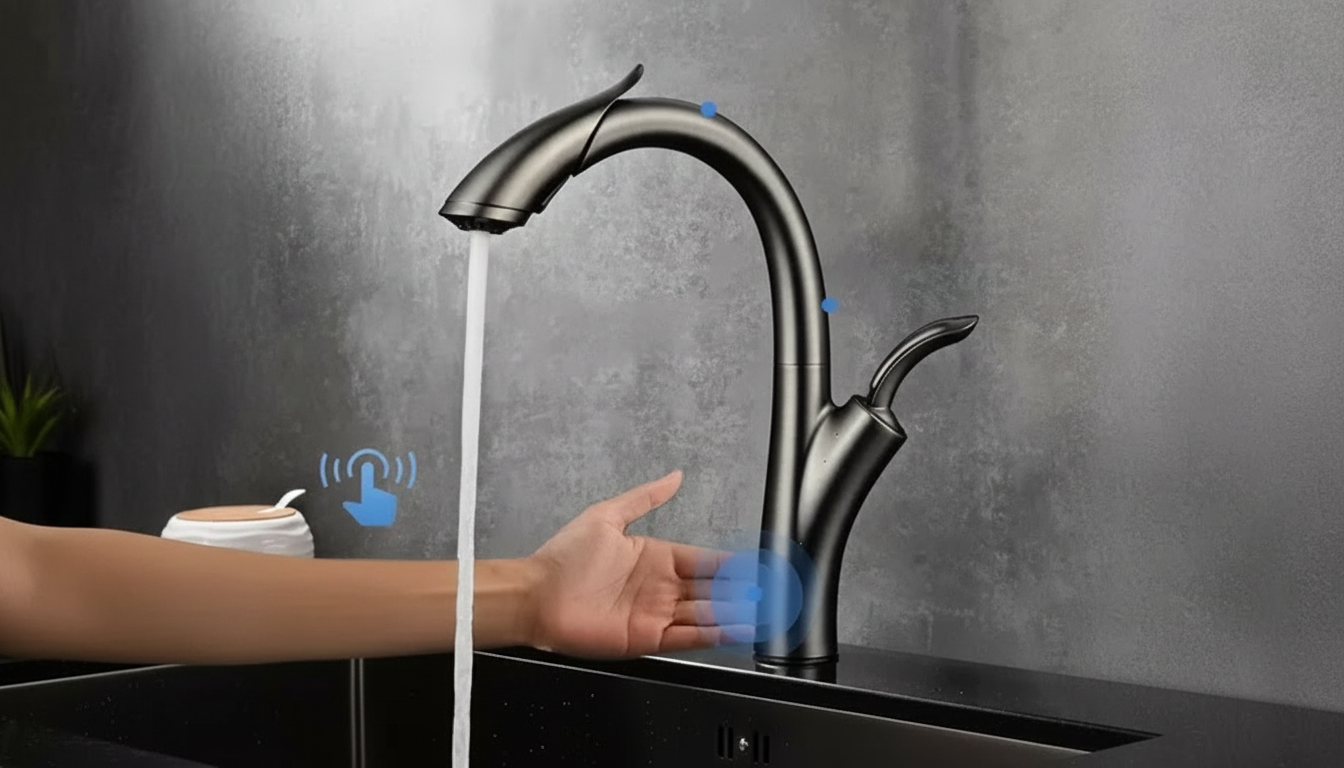
Most touch kitchen faucets need a power source for the touch sensor and control box, and that power usually comes from batteries. Many models can also be powered by an AC adapter plugged into a standard outlet under the sink, which is the closest thing to “hardwired” in typical home installations. True hardwiring (connecting directly into household wiring like a light fixture) is uncommon and usually not recommended unless the manufacturer explicitly supports it and a licensed electrician handles the work.
Battery packs are popular because they’re simple to install and keep the faucet operating during minor power fluctuations. Depending on usage, batteries often last several months to a couple of years. Many faucets provide a low-battery indicator or reduced touch responsiveness as a warning sign, and most still allow manual operation even when the touch feature loses power.
If there’s an outlet in the sink cabinet, an AC adapter can power the faucet’s electronics continuously. This option eliminates routine battery changes and can be a better fit for busy kitchens. The adapter typically connects to the same control module used for the battery pack, so switching between battery and adapter is often straightforward when the faucet brand offers both options.
In most cases, touch faucets are not designed to be hardwired into line-voltage wiring. What homeowners call “hardwired” usually means using an adapter rather than batteries. If an outlet isn’t available, adding one (or a switched outlet) under the sink is a safer and more standard approach than attempting any direct-wire modification.
For model-by-model details, power options, and practical installation notes, see the full guide here: https://lumiro.store/do-touch-kitchen-faucets-need-batteries-or-can-they-be-hardwired/.
If the touch feature loses power, most faucets can still run normally by using the handle manually. Touch activation typically won’t respond until power is restored or batteries are replaced.





Leave a comment